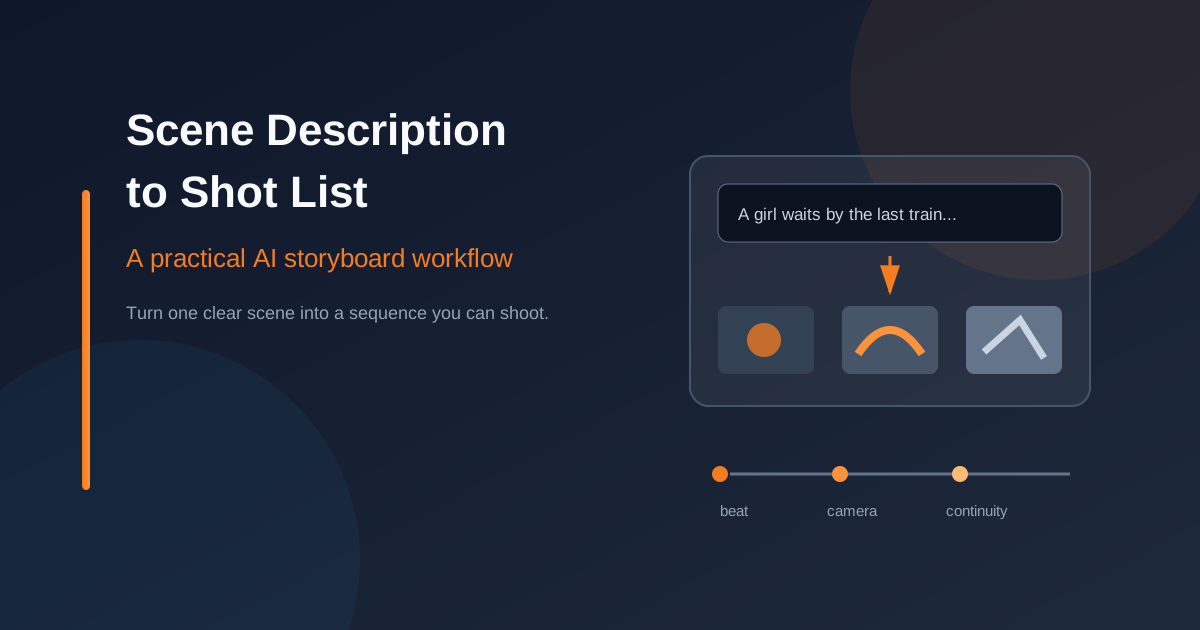
A sentence can hold an entire scene. A crew cannot shoot a sentence. They need a place, an action, a point of view, and a sense of what changes before the cut. That translation is where many storyboards lose their shape.
AI can help with the translation. It can suggest coverage, expose missing details, and give you several visual directions quickly. It cannot decide what the scene means for you. That part still belongs to the writer, director, or whoever is carrying the sequence in their head.
This workflow keeps those jobs separate. You define the dramatic turn, split it into visual beats, ask for options, then edit the result until each panel earns its place.
Start with the Scene's Job
Before you ask for a shot, ask what the scene changes. A character might enter a station expecting to meet someone, discover the platform is empty, and decide to board anyway. The location matters, but the decision is the engine.
Write three short answers:
- Where are we? Name the space, time, and one physical detail that makes it recognizable.
- What changes? Identify the action or discovery that shifts the scene.
- What image should we leave on? Choose the final visual impression, not a vague mood.
For the station example, the answers might be: a rain-slick platform after midnight; the last train arrives with no person waiting inside; the character steps aboard while the empty carriage lights flicker. That is enough material to plan coverage. You do not need to describe every advertisement, puddle, and cloud yet.
Break Prose into Visual Beats
A visual beat is a change the audience can see. It is not the same thing as a sentence, a line of dialogue, or a panel count. If three sentences describe one uninterrupted action, they may belong to one panel. If one sentence contains a discovery and a decision, it probably needs two.
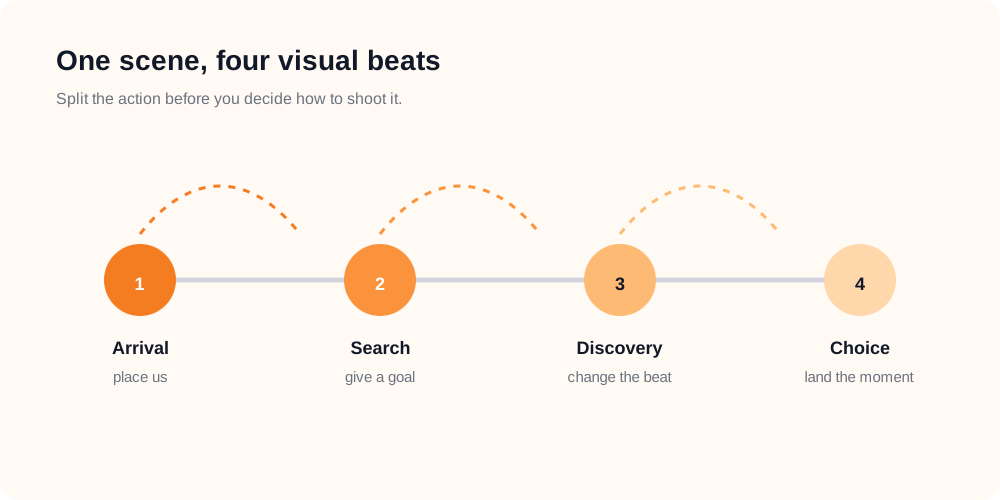
Split the action at the moments that change what the audience knows.
Try reading the scene once without thinking about lenses. Mark the moments where the audience learns something new, where a character changes direction, or where the emotional temperature shifts. Those marks become your first beat map.
A useful test is simple: if you removed the proposed panel, would the next panel still make sense? If nothing changes, the panel may be decoration. If the next panel becomes confusing, you have found a real beat.
Give Each Panel One Camera Job
Once the beats are clear, choose coverage. A panel should answer one camera question. Are we placing the audience in the space? Following a movement? Revealing information that was hidden a moment ago?
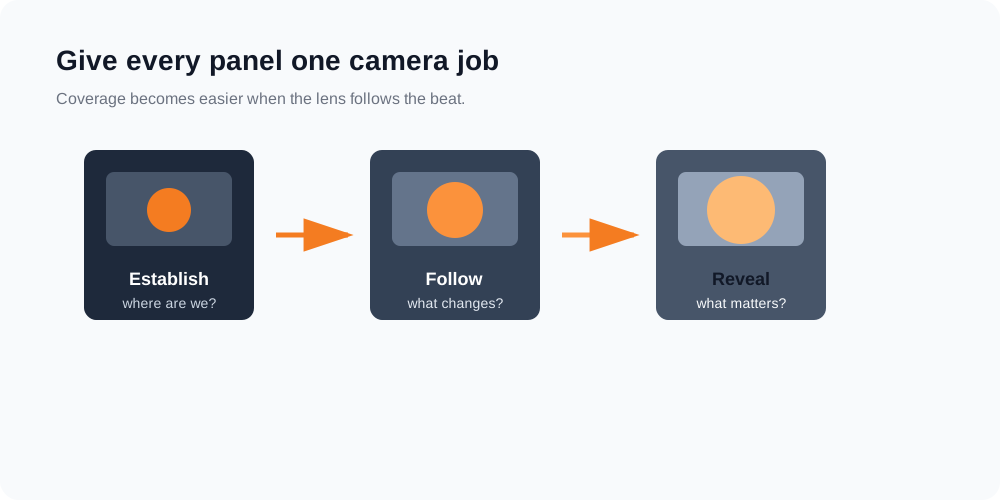
Coverage feels intentional when each panel has one clear camera job.
For the station scene, an establishing wide shot can place the character beneath the departure board. A medium shot can follow the character searching the carriage. A close-up can reveal the ticket in their hand after they choose to stay on the train. The sequence moves closer because the information becomes more personal.
Do not stack every camera term you know into one prompt. A wide shot, a close-up, a whip pan, and a slow dolly each imply a different visual decision. If one panel needs all four, the beat is probably carrying too much. The article AI Storyboard Prompt Pitfalls covers the same problem from the prompt side.
Carry Continuity Like a Thread
AI-generated frames can drift even when the idea is sound. A coat changes color. The train window moves to the wrong side. A prop disappears just when the character needs it. Continuity is not a cosmetic detail; it tells the viewer that the panels belong to one event.
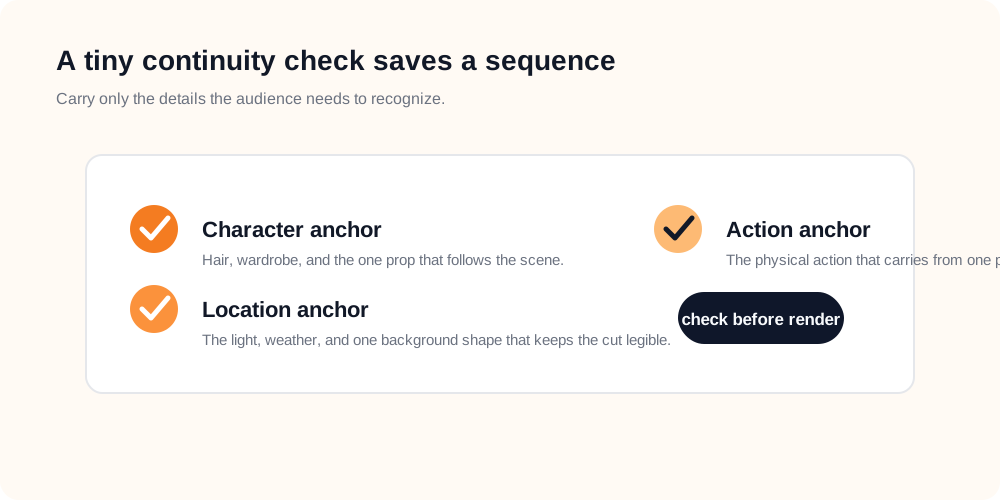
Keep a few anchors stable instead of repeating an entire paragraph in every prompt.
Keep three anchors near the top of your working notes:
- Character: the wardrobe, silhouette, and prop the audience needs to track.
- Location: the light direction, weather, and one background shape that survives the cut.
- Action: the physical movement that carries from one panel into the next.
You do not need to repeat every detail every time. Repeat the anchors that protect recognition, then let the new beat do the work. For a broader look at visual grammar and coverage, see Storyboard Fundamentals.
Use AI for Options, Not Decisions
The most useful AI pass happens after the beat map exists. Give the tool a compact scene brief, the anchors that must remain stable, and the camera job for the current panel. Ask for a few alternatives rather than one supposedly perfect answer.
In AI Storyboard, the workflow can start with an AI-assisted project brief. You can describe the scene, let the tool organize the material, and then edit the optimized text before generating frames. That edit matters. The first output is a proposal, not a creative verdict.
When a panel looks attractive but wrong, diagnose it before regenerating. Did the beat change? Did the camera job disappear? Did the continuity anchor get buried? A small edit often beats a longer prompt. The project creation guide explains the available starting paths, while the storyboard editor guide covers the controls you can refine after the first pass.
Turn your next scene into a visual sequence
Start with a clear brief, edit the handoff, and generate frames you can discuss before the shoot.
Open AI StoryboardTurn Beats into Shot-List Fields
A storyboard panel becomes useful to the rest of the team when it carries more than an image. Add a short shot-list note beside each beat. Keep the fields plain enough that a producer, camera operator, or editor can scan them without decoding your private shorthand.
- Shot ID: a stable number that survives revisions.
- Framing: wide, medium, close-up, or the specific size your production uses.
- Action: the visible movement or discovery in one sentence.
- Camera: angle, lens intention, and one primary movement.
- Sound: dialogue, a key effect, or the silence the editor needs to protect.
- Continuity note: the prop, eyeline, or screen direction that must match the next shot.
These fields keep the image from becoming a beautiful dead end. They also give you a clean revision language. Instead of saying “make it more cinematic,” you can say “keep the same eyeline, move from a medium to a close-up, and hold the ticket in frame.” That is a direction someone can use.
The Revision Pass That Earns Its Keep
Read the sequence left to right without looking at the original prose. Can you tell where the character is, what they want, and what changed? If the answer is no, add coverage only where the story loses its footing. More panels will not rescue a missing decision.
Then run three quick checks:
- Coverage: does the sequence establish the space before it asks for detail?
- Continuity: do wardrobe, props, light, and screen direction still agree?
- Purpose: does every panel change information, emotion, or movement?
A good shot list leaves room for the set. It gives the crew a shared map without pretending the map is the landscape. Weather will change. An actor will find a better pause. The train will arrive late. The sequence should be sturdy enough to absorb those surprises.
The finished handoff should feel quiet. Someone else can read it once and understand the scene's movement, the camera's job, and the details that cannot drift. That is the point of turning prose into shots: not to flatten the imagination, but to give it a shape other people can build.