Visible action
Describe the action the audience can see at this moment. Separate a setup, change, and reaction when each deserves its own shot.
Free online storyboard maker
Create a project, add or generate shots, adjust visual direction, and keep storyboard references together in a browser-based workspace.
AI Storyboard supports two starting points. The assisted path accepts a scene or brief and proposes a structured sequence. The manual path creates an empty project so you can define each frame yourself. Both paths lead to the same editor, where the sequence remains open to revision.
The assisted path fits a writer or director who has source material but needs a first visual pass. Manual creation fits a creator who already knows the coverage, wants to recreate paper thumbnails, or needs a board for a short product sequence with only a few frames.
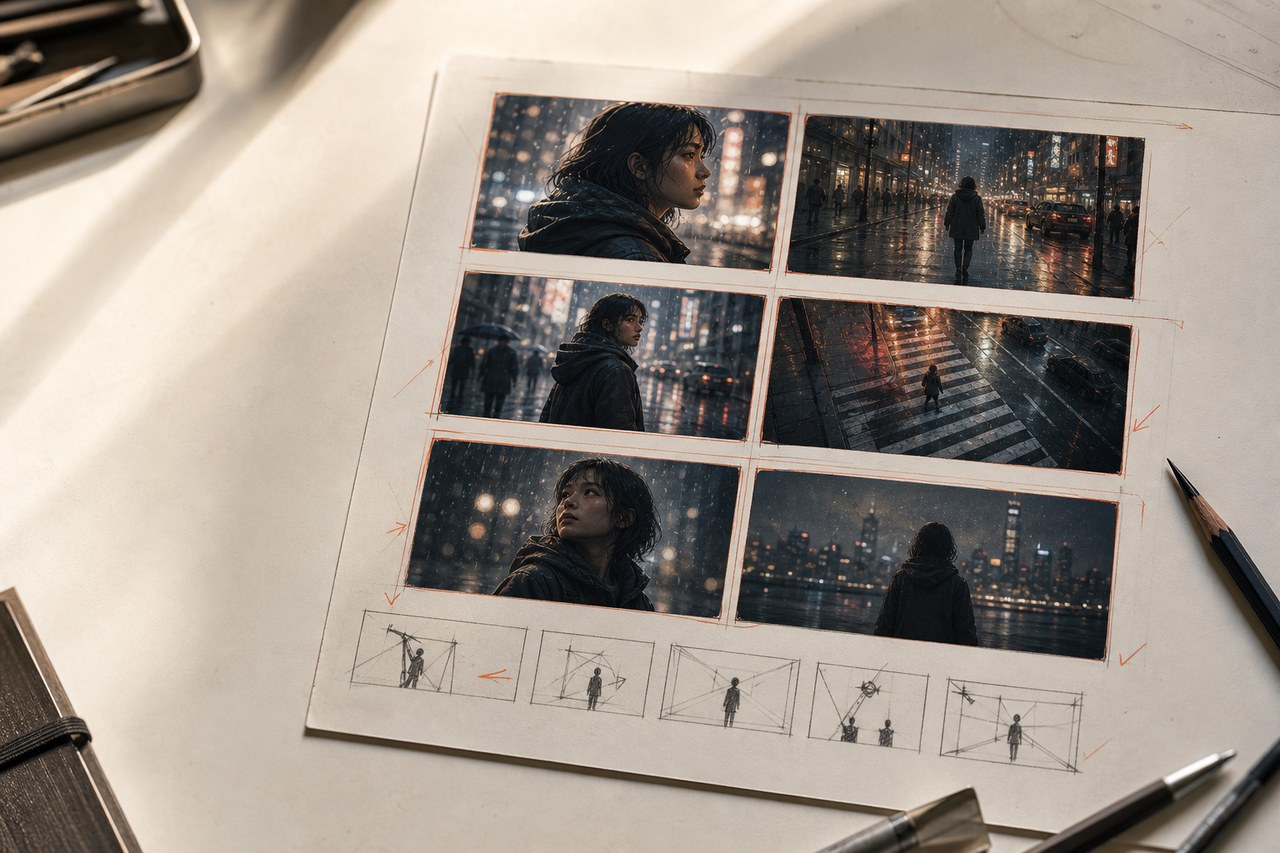
Describe the action the audience can see at this moment. Separate a setup, change, and reaction when each deserves its own shot.
Record shot size, angle, movement, and subject priority. Add lens language only when it changes how the team should stage the image.
Track screen direction, eyelines, props, wardrobe, time of day, and location anchors that must remain stable between panels.
Add dialogue, sound, timing, transition, or practical constraints next to the visual plan instead of forcing them into the image prompt.
First, scan the full contact sheet. The sequence should reveal changes in scale and emphasis without reading every note. Second, compare adjacent frames for continuity and redundant coverage. Third, open individual shots and inspect whether the composition directs attention to the correct subject.
Do not judge a board only by image polish. A rough panel that clarifies blocking can help a crew more than a beautiful image that ignores screen direction. Use generation to test alternatives, then keep the version that communicates the plan.
The app stores saved projects and generated results in the browser. It sends the input required for text, image, or video generation through the service backend when you start that action. No account is required. Clear browser storage only after exporting work you need to keep.
Read how data moves through the product and review the image generation guide before using confidential production material.
Writers can follow the script-to-storyboard workflow. Directors and assistant directors can start with the shot list generator guide. Film and online-video teams can also use the dedicated film and YouTube planning pages.
Open the workspace, choose assisted or manual creation, and keep the first sequence small enough to review in one pass.
Create a project