Short-form video compresses the viewer promise, proof, and closing action into a small number of visual beats. A storyboard makes those beats visible before recording and exposes sections where narration changes but the image does not.
Use AI to draft alternative openings or compositions, then choose the sequence that communicates the idea with the least friction. Platform conventions can guide the format, but the board still needs a specific subject and purpose.
The 15-Second Architecture
Precision matters more than panel count. The opening frame should establish the subject, problem, or promised result. The next beats should add information, demonstrate a change, or create anticipation.
Write the visual job beside each beat: presenter, demonstration, insert, screen capture, graphic, reaction, or transition. Remove a planned change when it repeats the same information.
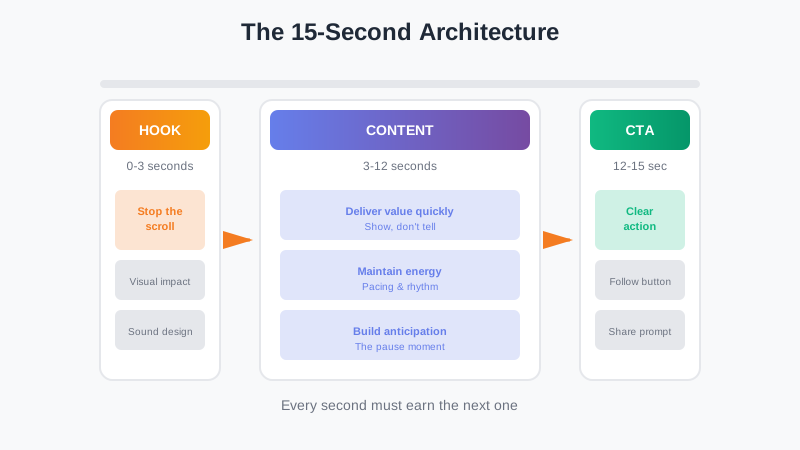
A compact short-form structure: hook, useful content, and closing action
AI storyboarding can turn a written beat list into visual options. Treat those images as planning references. A contact sheet helps you spot repeated scale, unclear demonstrations, and transitions that need another setup.
The Pattern Problem
A format is not a strategy. A fast hook, reveal, or rapid edit helps only when it supports the subject and viewer promise.
Use a storyboard to compare structures without committing to production. Test several openings for the same concept or compare a fast-cut sequence with a slower reveal. Review the panels for clarity rather than predicting performance from image polish.
For a tutorial, one board might lead with the result, another with a common mistake, and another with the process. Choose the version that makes the benefit and required steps easiest to understand.
Planning for the Pause
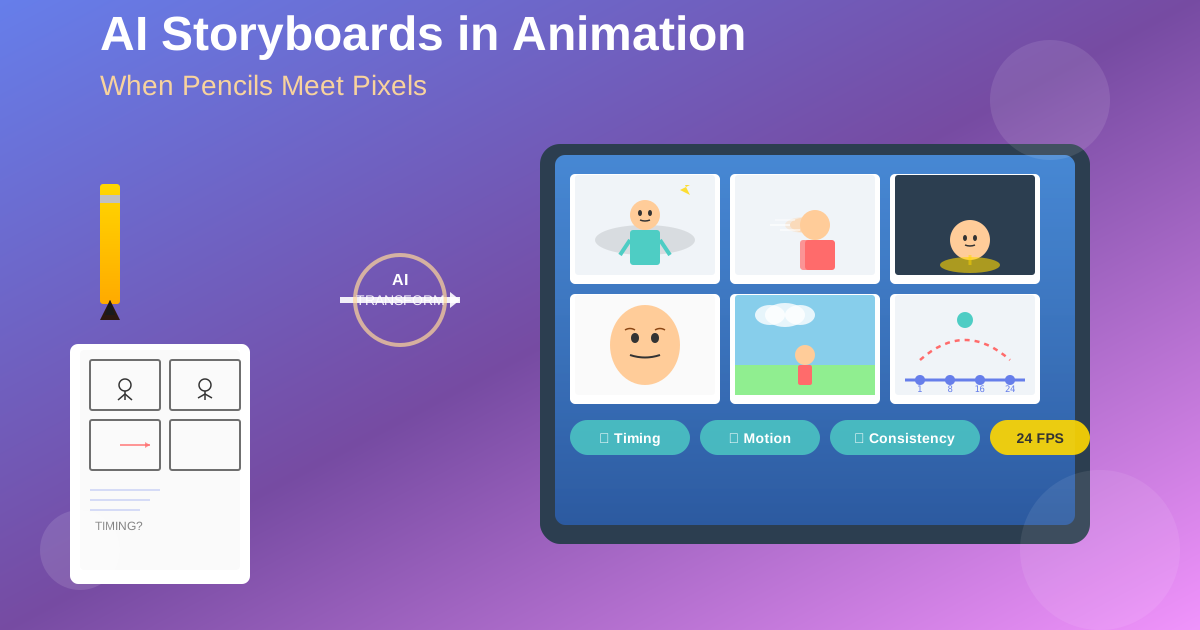
A planned pause before a reveal can make the next action easier to read. Mark the setup, anticipation, and result as separate beats when the movement or reaction carries the idea.
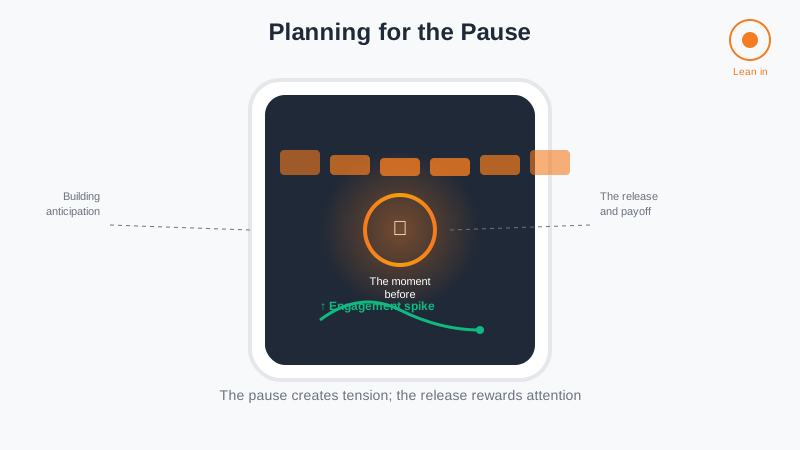
The pause moment: creating instant engagement through planned visual tension
Compare adjacent panels and check whether a viewer can identify the moment before the change. Add a pause, reaction, or closer frame when the sequence moves from setup to result too quickly.
The Tools You Actually Need
Short-form planning needs a fast way to see the idea, revise it, and produce a recording list. The tool can be paper, a slide deck, or an AI storyboard workspace.
AI can shorten the first visual draft when a concept needs generated references. Keep known shots as text cards so the board does not spend generation time on material you can already picture.
The workflow looks like this:
- Capture the idea—whatever fragment of a concept you've got
- Describe it to AI—don't worry about being perfect, just get it down
- Get visual options—AI generates multiple storyboard variations
- Spot the problems—you'll see immediately where it drags or confuses
- Iterate fast—tweak the prompt, try a different angle, test a new opening
- Film with confidence—you know exactly what you're making
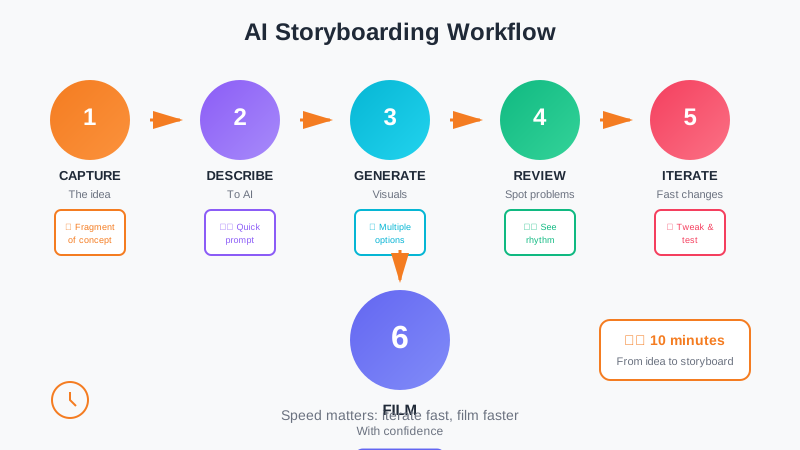
From idea to a reviewable recording plan
Measure whether the board reduces reshoots, missing inserts, and edit-room gaps. Those outcomes matter more than the speed of the first draft.
Platform-Specific Thinking
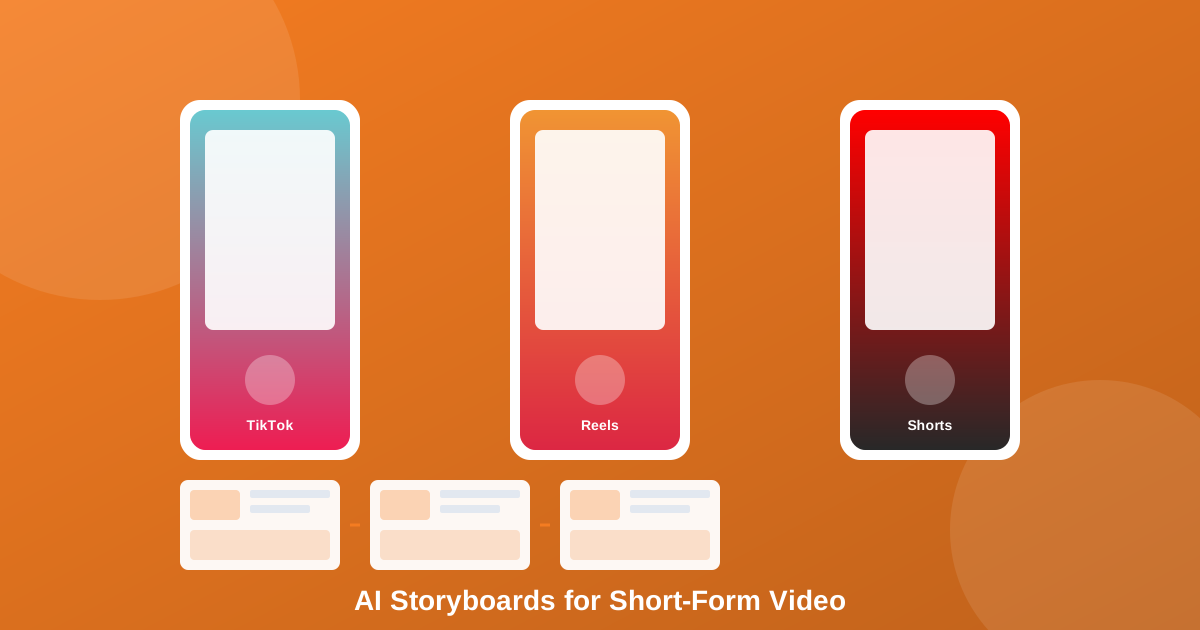
TikTok, Reels, and Shorts share a vertical format but can serve different audience contexts. Check current platform guidance, safe areas, caption behavior, and publishing goals before adapting the master board.
AI storyboarding lets you quickly adapt the same core concept for each platform. You create one master storyboard, then generate variations:
- TikTok: Faster pacing, more authentic/raw feeling, sound-driven
- Reels: More polished, aesthetic-focused, slightly longer narrative arc
- Shorts: Search-optimized, tutorial-heavy, clearer value proposition
Create platform variations only when the hook, duration, audio, or closing action needs to change. Keep the core demonstration consistent so the extra versions do not create unnecessary production work.
The Authenticity Question
A plan can define the required beats while leaving room for an unscripted delivery.
Storyboard the information, demonstration, and camera changes. Do not script every gesture or vocal inflection unless the format requires it. This gives the presenter a clear route through the material without forcing a rigid performance.
A board cannot prove performance before publication. It can reduce uncertainty about coverage and leave the presenter to focus on delivery.
Getting Started Today
Start with one recent video or draft:
- Start with your worst-performing recent video—not your best. Storyboard what you should have made. Compare it to what you actually made. You'll learn more from this than anything else.
- Pick one type of content you want to master—tutorials, transformations, humor, whatever. Storyboard five variations of the same concept. See what patterns emerge.
- Time yourself—give yourself 10 minutes from idea to finished storyboard. Speed matters. If you're overthinking, you're doing it wrong.
- Film your storyboard exactly as planned—at least once. See how it feels to execute a plan rather than discover it in the moment.
- Track what happens—not just views, but watch time, comments, shares. Does planning actually improve your results?
Compare the finished edit with the board. Record which planned shots helped, which were unused, and which missing images created extra work. Feed those observations into the next sequence.
AI storyboarding provides another way to draft and compare visual plans. The creator still decides the idea, proof, performance, and final edit.
Ready to Plan Your Short-Form Video?
Map the hook, visual beats, supporting shots, on-screen text, and closing action before production.
Open the Storyboard Workspace